Touchscreen & barcode checkout.
Group products into named menus, add pictures to your buttons and scan barcodes. Keep the basket, quantities and total clearly in view.
SALES MADE SIMPLE
Touchscreen checkout, barcode scanning and sales reporting. Explore UnboundPOS for your counter, with a dedicated kitchen display for food orders.
In development · Explore the product previewCurrent checkout layout · Synthetic products and prices
POINT OF SALE FOR YOUR INDUSTRY
POS SYSTEMS BY INDUSTRY
From coffee orders to a basket of groceries, see how UnboundPOS supports the way you sell.
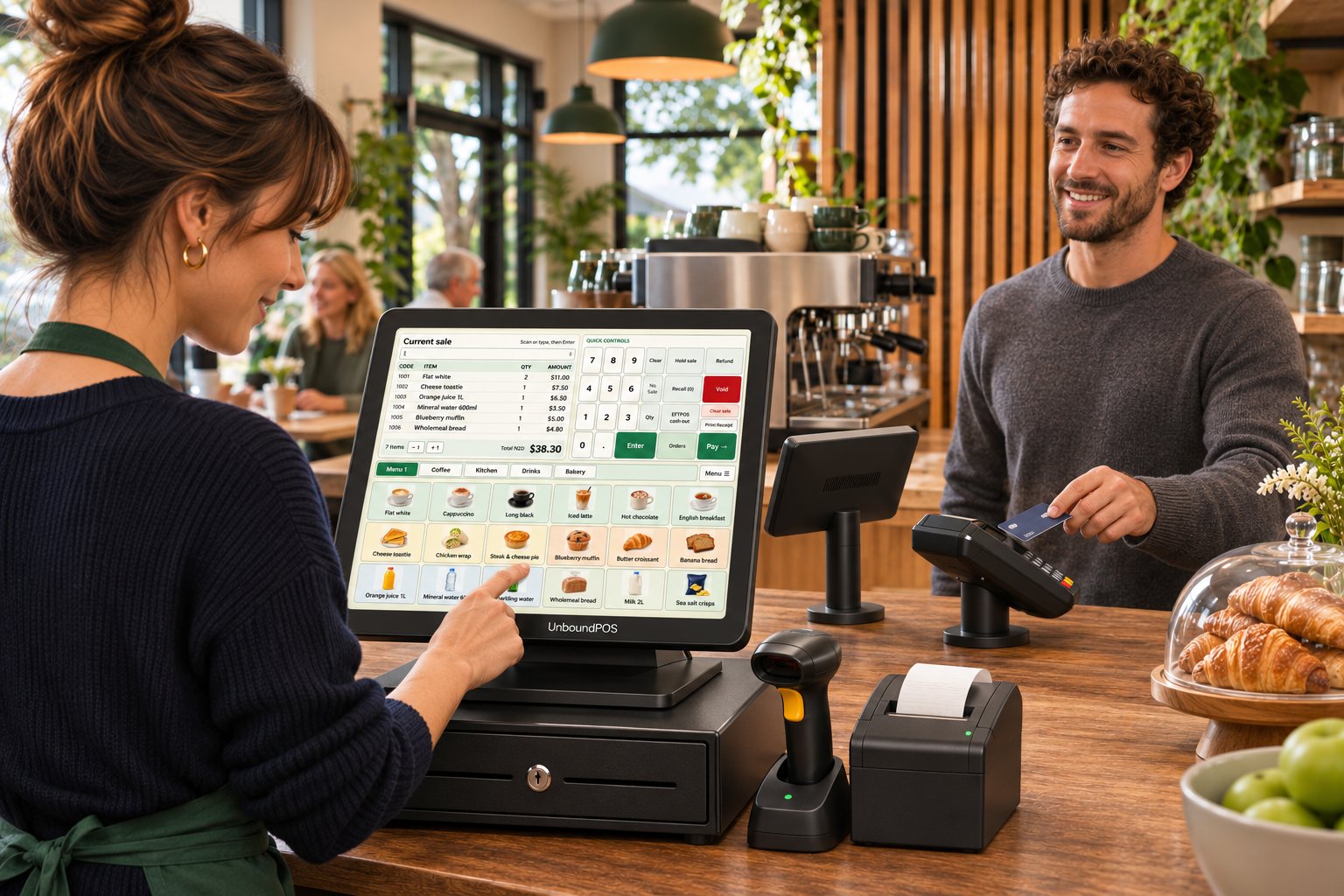 Café POSTake coffee orders with picture buttons and send selected paid food orders to the kitchen display.Explore café POS
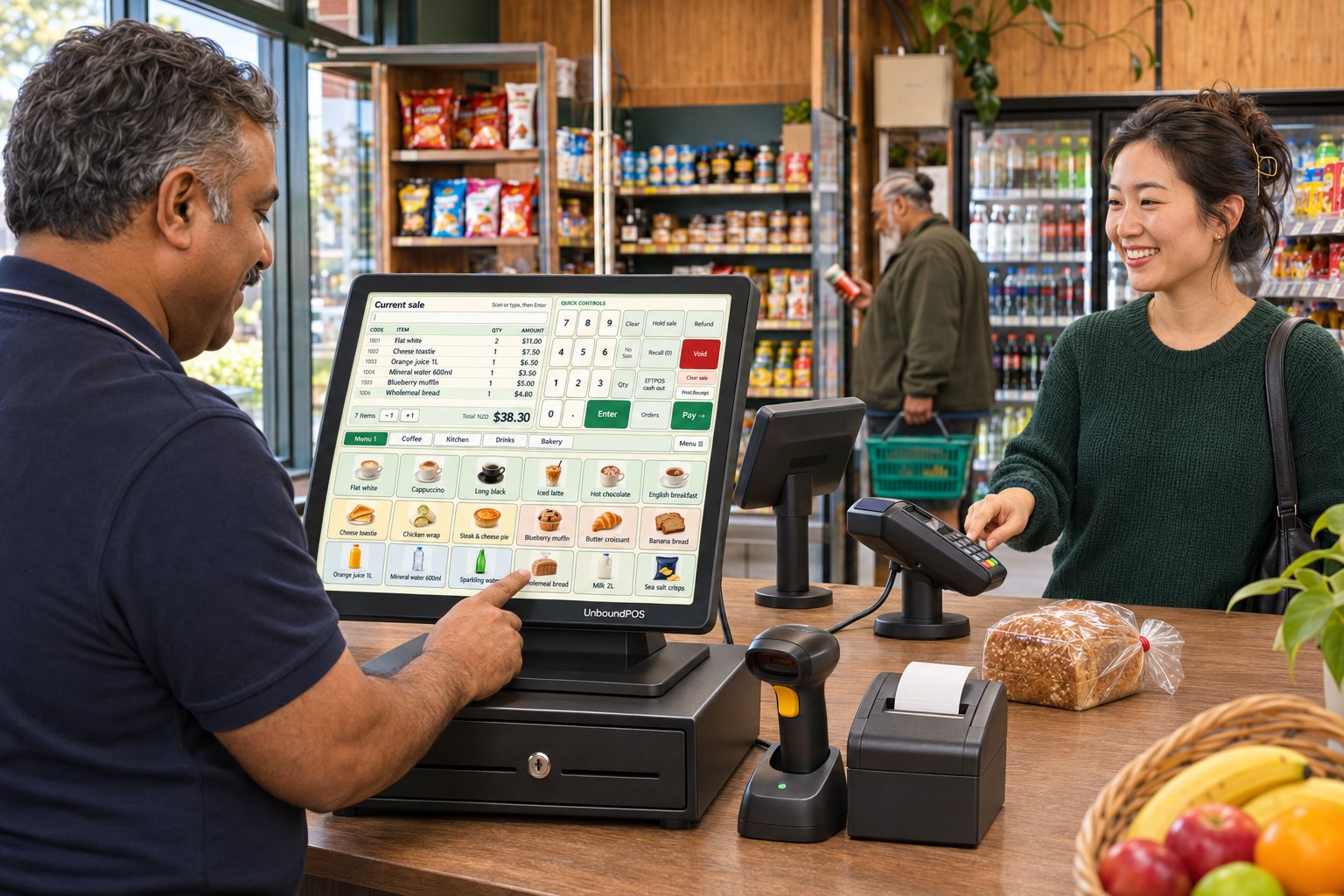 Convenience store POSScan barcodes, add counter favourites with a tap and review sales by product or category.Explore convenience POS
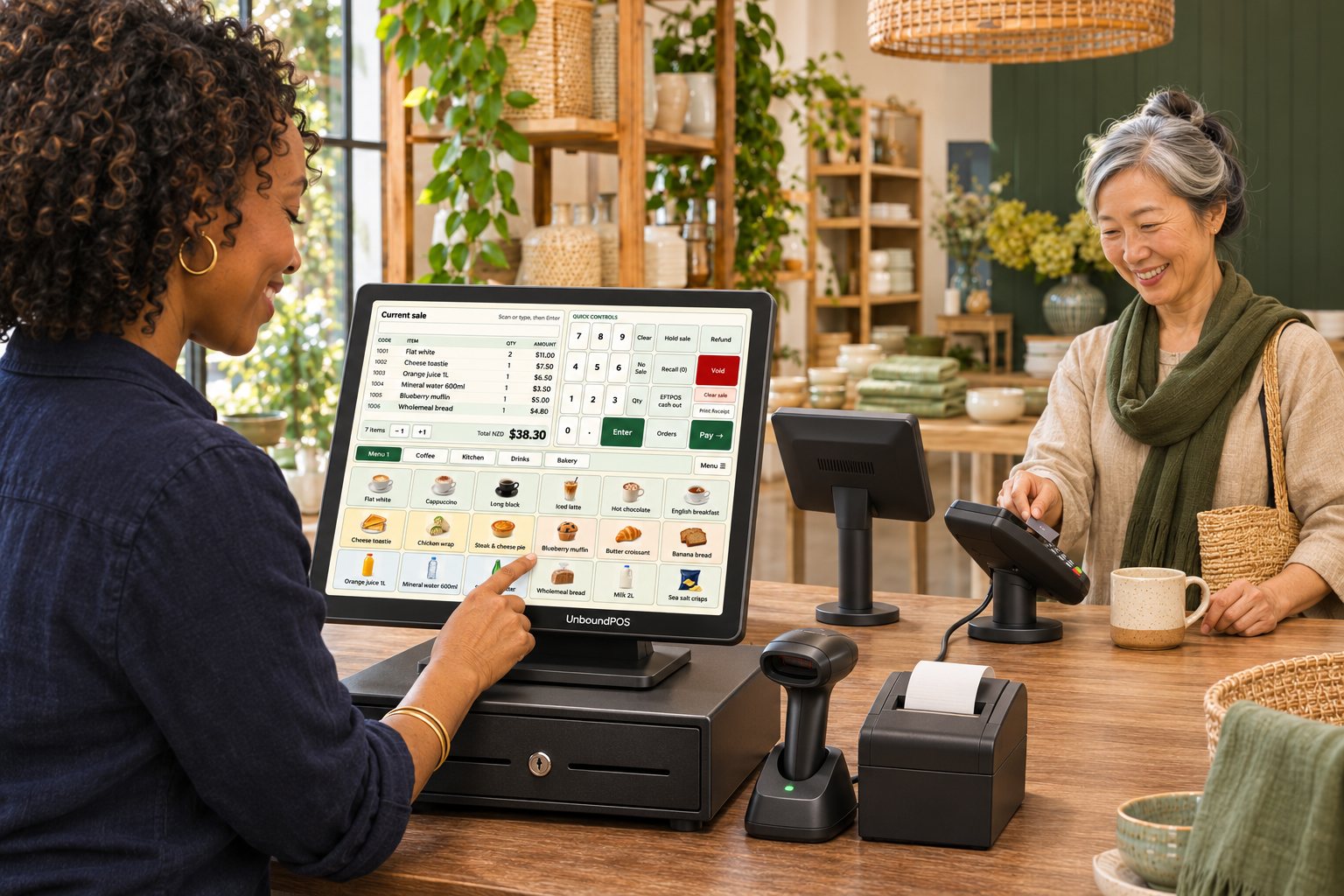 Retail POSOrganise your product catalogue, sell with barcodes or touch buttons and track the day’s sales.Explore retail POS
AI-generated business scenes and illustrative hardware setups. Equipment compatibility and final configurations require validation.
CHECKOUT. KITCHEN. BACK OFFICE.
Build your product menus, follow food orders and see what sold. Explore the core tools in UnboundPOS, from the touchscreen to the back office.
Group products into named menus, add pictures to your buttons and scan barcodes. Keep the basket, quantities and total clearly in view.
Send selected items from paid orders to a dedicated kitchen display. Follow preparation, mark orders ready and recall completed tickets.
Explore the kitchen displayManage your catalogue and staff permissions. Review sales by day, product, category or payment type, with CSV export for further analysis.
UNBOUNDPOS KITCHEN
A dedicated kitchen display monitor keeps the next job in sight. Selected items arrive after the sale is fully paid, ready for your team to prepare.
Development preview. Requires local network pairing; physical two-computer acceptance testing remains outstanding.
1 × Cheese toastie
Counter 12 × Banana bread
Counter 11 × Cheese toastie
Counter 1CHOOSE YOUR INDUSTRY
Choose your business type to explore the checkout, kitchen and reporting features relevant to your counter.
CAFÉ POS SYSTEM
Build touch menus for coffee, food and extras. Take the sale at the counter, then send selected food items to the kitchen display after payment.
PAYMENTS, PART OF THE PICTURE
We’re developing a Windcave terminal integration that connects the sale amount and payment outcome with the checkout workflow.
That includes clear operator prompts and deliberate recovery of an uncertain payment result, before any new attempt.
The current integration is not Windcave-certified or approved for live trading. Physical acceptance testing, supported hardware and provider approval must be completed before production use.
A FEW THINGS TO KNOW
Good software starts with an honest conversation about what your business needs.
UnboundPOS is currently a development and user-acceptance testing build. This site introduces the product direction and implemented workflows; it is not an offer of a production-approved system. Hardware qualification, deployment testing and payment certification remain outstanding.
Cafés, restaurants and takeaways, bars and pubs, convenience stores and retail. We’ll review your workflows before recommending a setup. Table service, bar tabs, online ordering and specialist requirements should be discussed rather than assumed to be included.
A separate Windows kitchen application receives selected preparation items from completed, fully paid sales over a paired local network. Staff can mark tickets Preparing, Ready or Done and recall the last 20 completed orders. Physical two-computer acceptance testing is still required; the current preview does not send kitchen status back to the till.
The POS and kitchen applications are built for Windows. Computer, printer, network and terminal compatibility need to be checked for your installation. The Windcave integration is currently for controlled testing and is not yet certified for live payments.
Commercial packages, support terms and hardware options are still being finalised. Tell us about your business so we can discuss the proposed setup. No subscription, one-time price or support commitment is implied by this preview.
PLAN YOUR POS SETUP
Let’s discuss your products, checkout equipment, kitchen display and payment requirements.